Do I need a historian server or database?
No. It reads your .xfc export files directly. There is nothing to install on the server side.
Does it work offline or on air-gapped PCs?
Browsing, search, charting and export run locally and work without an internet connection. Standard licenses are verified online and need a connection at least once every 7 days. For fully offline use, choose an air-gapped license, available for every one-time tier (Lite, Pro, Site): the offline PC creates a license request file, you exchange it for a signed license file on any connected computer, and import that file offline. Subscriptions are verified online only. Ask Historian needs an internet connection for the Bravura-AI hosted option and for cloud providers (BYOK); local models through Ollama run without one.
What can I export?
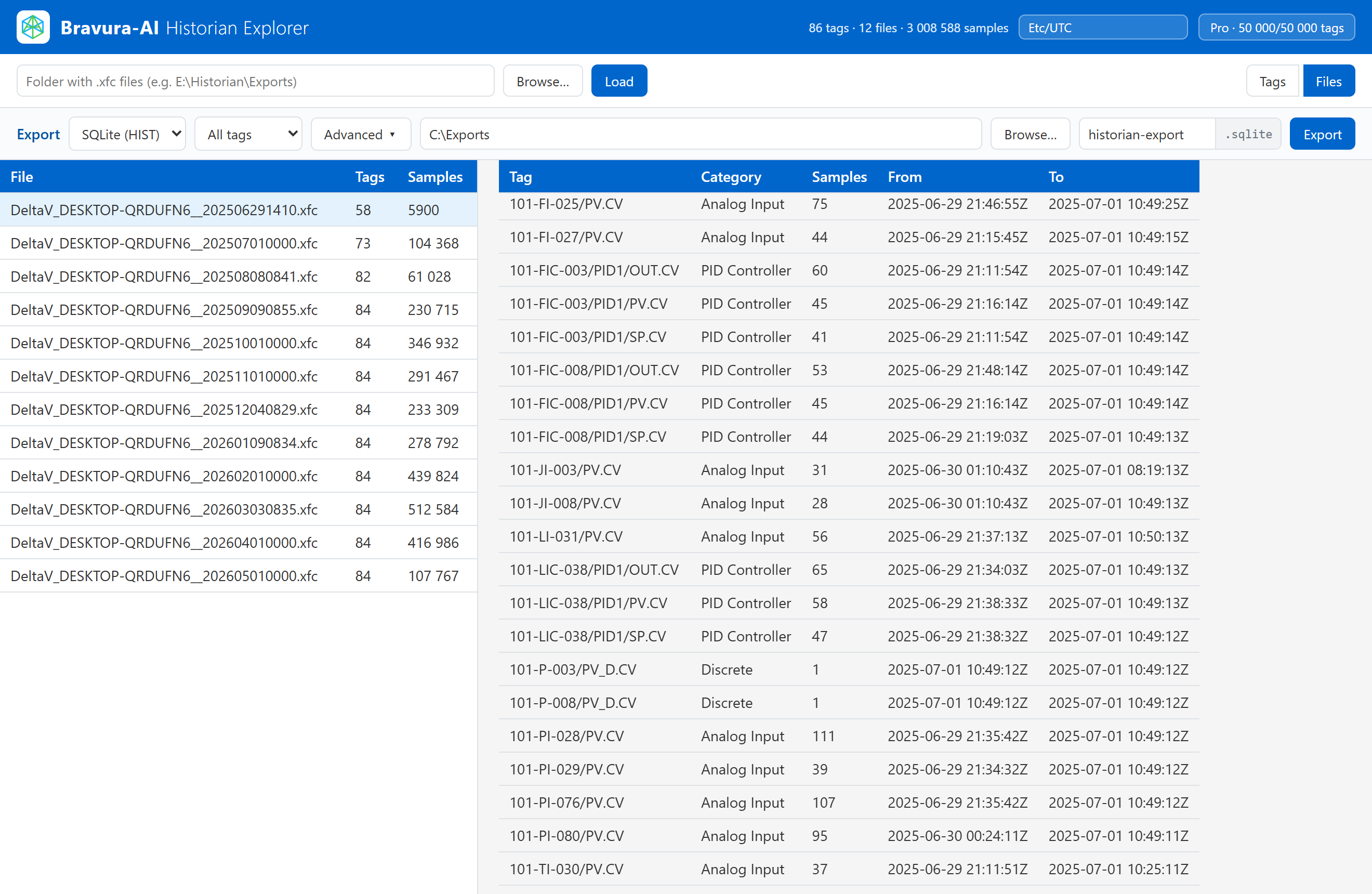
CSV and Excel on every paid tier, plus a SQLite database with a clean Source / Tag / Sample schema on Pro, Site and subscriptions. The Free demo exports CSV.
What OS does it run on?
Windows 10 and Windows 11 (64-bit).
How is it licensed?
Per machine, as a one-time (perpetual) license or a subscription. One-time tiers are also available as air-gapped licenses. Quotas can be topped up at any time.
What is maintenance and do I need it?
Maintenance applies to one-time Pro and Site licenses and covers technical support and updates to new versions. On online licenses it also includes a monthly hosted message bucket (Pro: 500 per month; Site: 2,000 per seat per month); air-gapped licenses get support and updates only, with no hosted messages. The first year is included in the price. From the first anniversary you can renew it ($160 / year for Pro, by quote for Site); renewal needs your explicit consent. Without maintenance your license keeps working on the versions released while maintenance was active. On online licenses your lifetime hosted messages (200 on Pro, 750 on Site) and any purchased packs remain; only the monthly bucket stops.
Will my perpetual license still work in future versions?
A perpetual license never expires and covers every version released while its maintenance is active. If you install a build released after your maintenance ended, the app tells you and offers the way back: the last covered installer, or a maintenance renewal that covers the latest build. Subscriptions and the Free demo do not carry a version cap.
What happens after my hosted message bucket runs out?
Hosted message buckets apply to online licenses only. Hosted messages are spent from the monthly bucket first, then from your lifetime messages, then from purchased packs. Monthly buckets (online Pro and Site with active maintenance, and subscriptions) refill each calendar month on the day of your purchase date. Hosted message packs are coming soon; on every online license that includes Ask Historian you can also switch to your own API key (BYOK) or to a local model through Ollama at any time. The Free demo stops after 2 messages and has no top-ups.
How big a dataset can it handle?
Millions of samples across many files, with sub-second browsing on a modern Windows machine.
What is "Advanced Export"?
Resampling and filtering applied as you export: linear, step (LOCF), nearest, time-weighted, and min/max/count modes, boundary fill, quality filtering, and despike / deadband / swinging-door noise filters. It is included with Pro, Site and every subscription; Lite and the Free demo export raw data only.
Can I export without Advanced Export?
Yes. Raw export to CSV and Excel (one sheet per tag) is available on every paid tier, and Pro, Site and subscriptions add a raw SQLite database. Only the resampling and filter controls are part of Advanced Export.
How do I choose the .xfc folder?
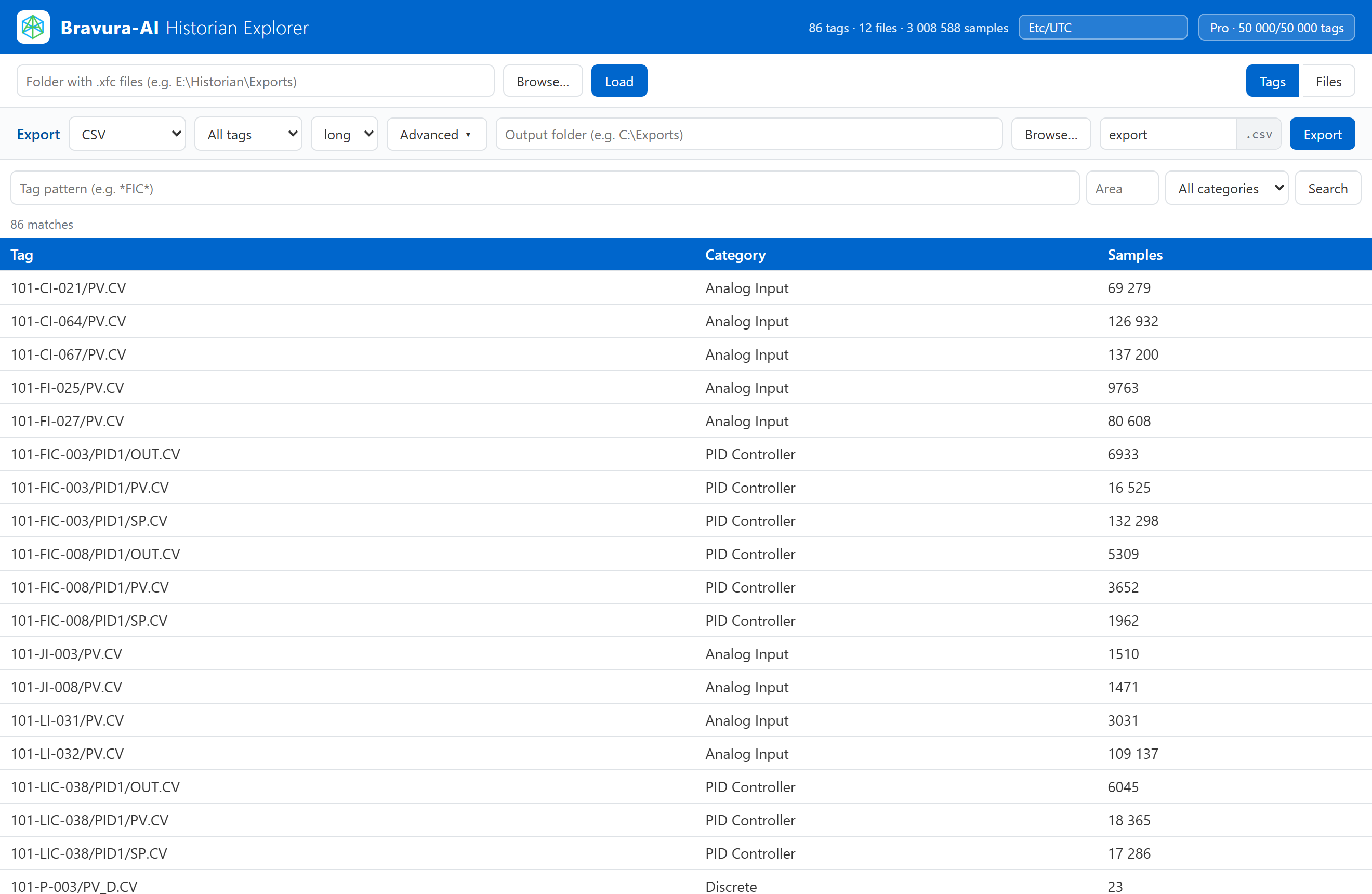
Use the built-in folder picker: click Browse... and select the folder of exports. The app reads them in place.
Can I zoom into a section of the chart?
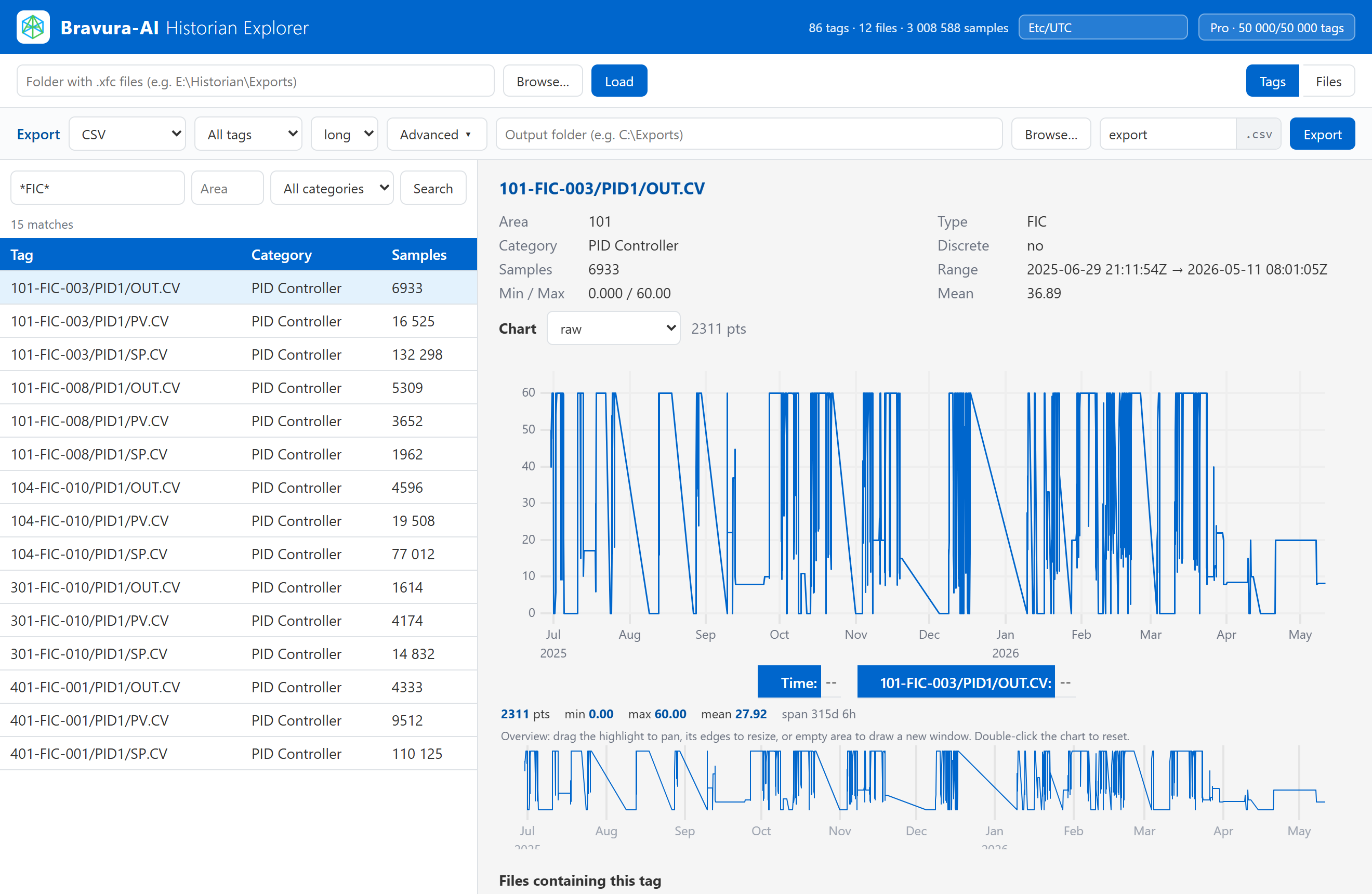
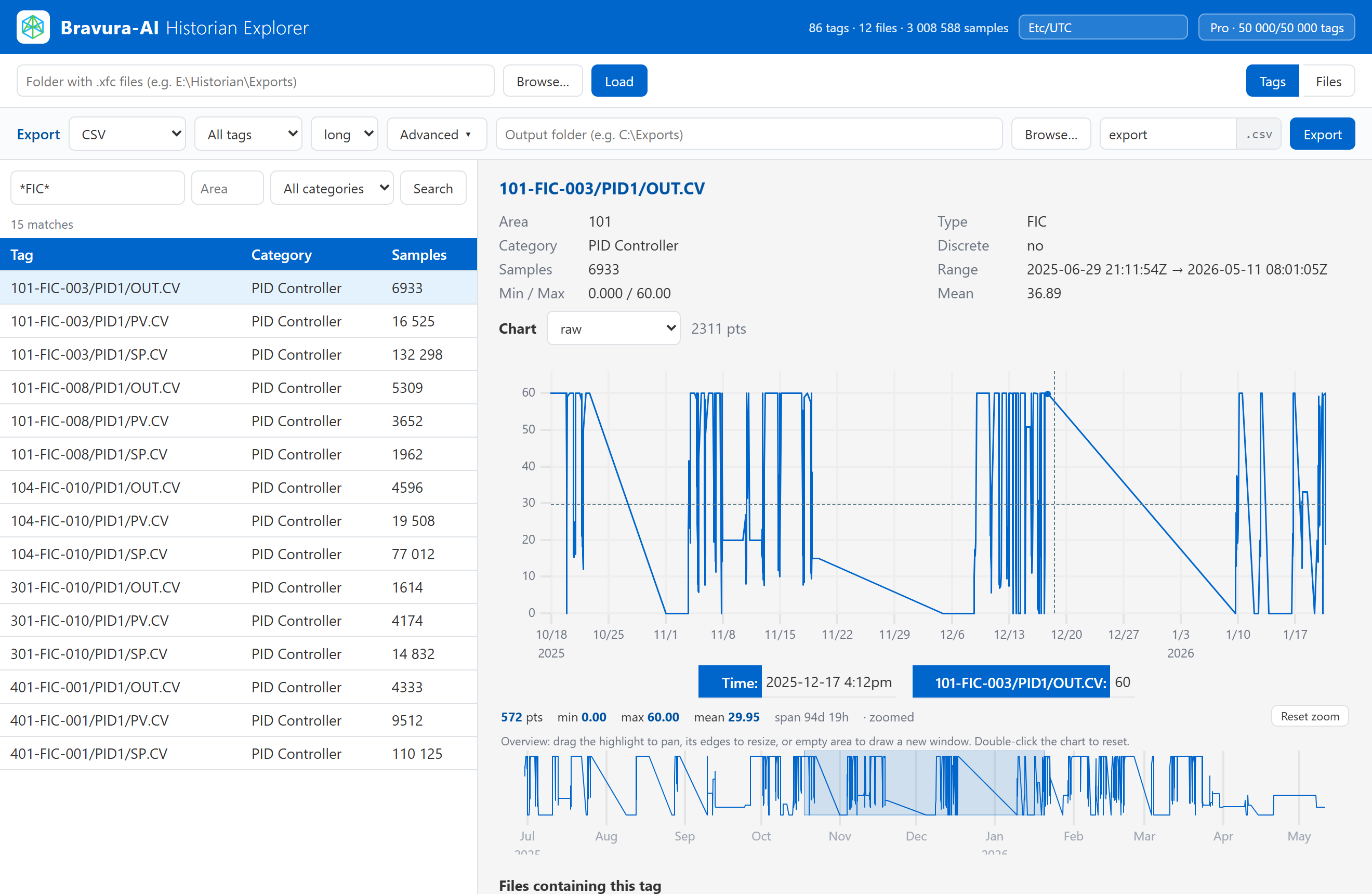
Yes. Drag-select on the chart (or mouse-wheel) to zoom; use the overview brush below to pan and resize the window. Double-click or Reset zoom restores the full range. The summary strip always reports min / max / mean / count for the visible window.
Which time zone are the timestamps shown in?
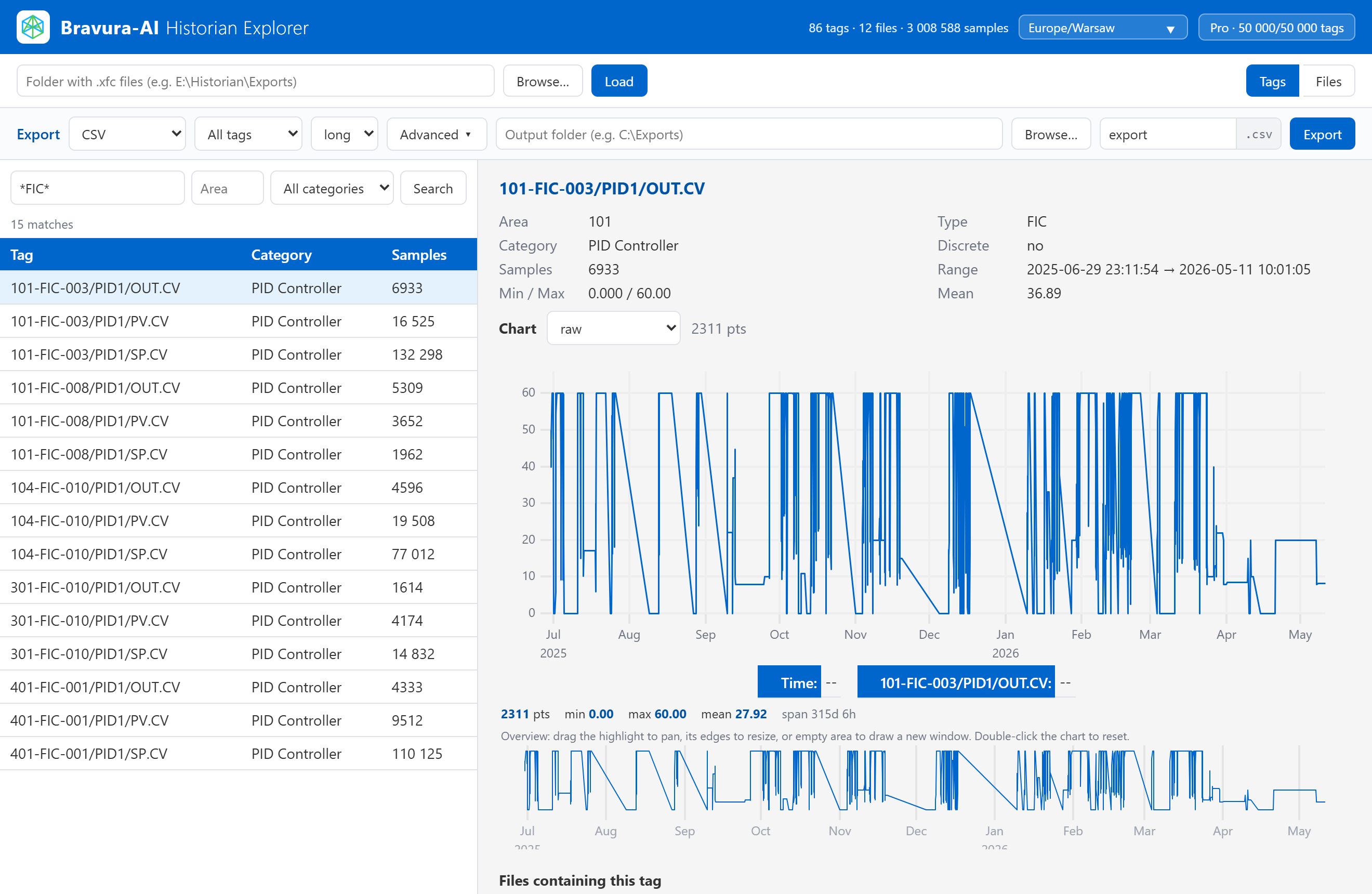
Your choice. The app stores timestamps in UTC but lets you pick the display zone (Local, UTC, or any IANA zone via a searchable picker in the header). Chart axes and metadata times re-render in the chosen zone, and your choice is remembered.
Do you store my Anthropic / OpenAI key?
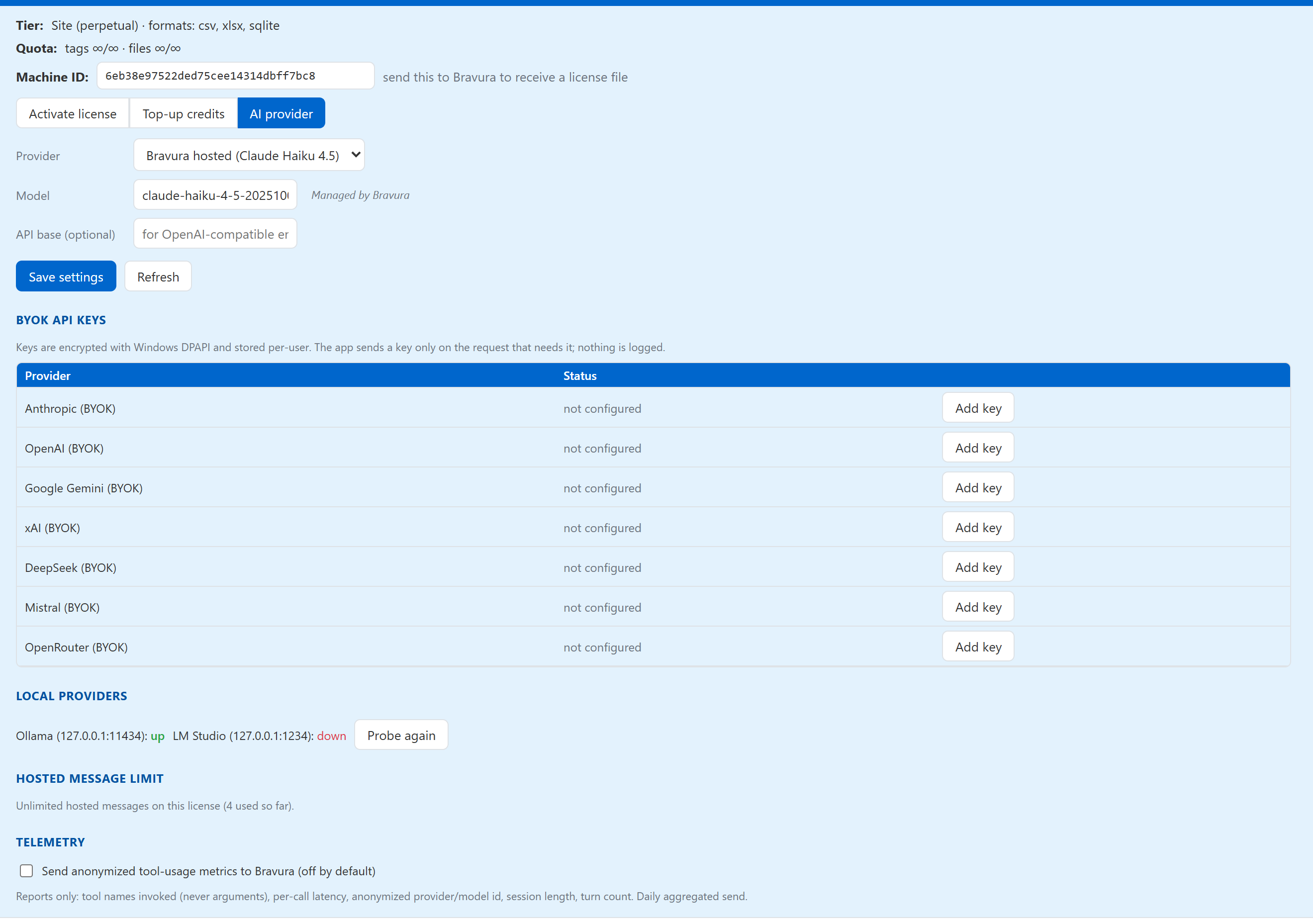
No. API keys typed into the app are encrypted at rest by Windows and sent only on the request that uses them. They are never written to disk in plaintext and never sit on a Bravura-AI server.
What does Ask Historian send to the AI provider?
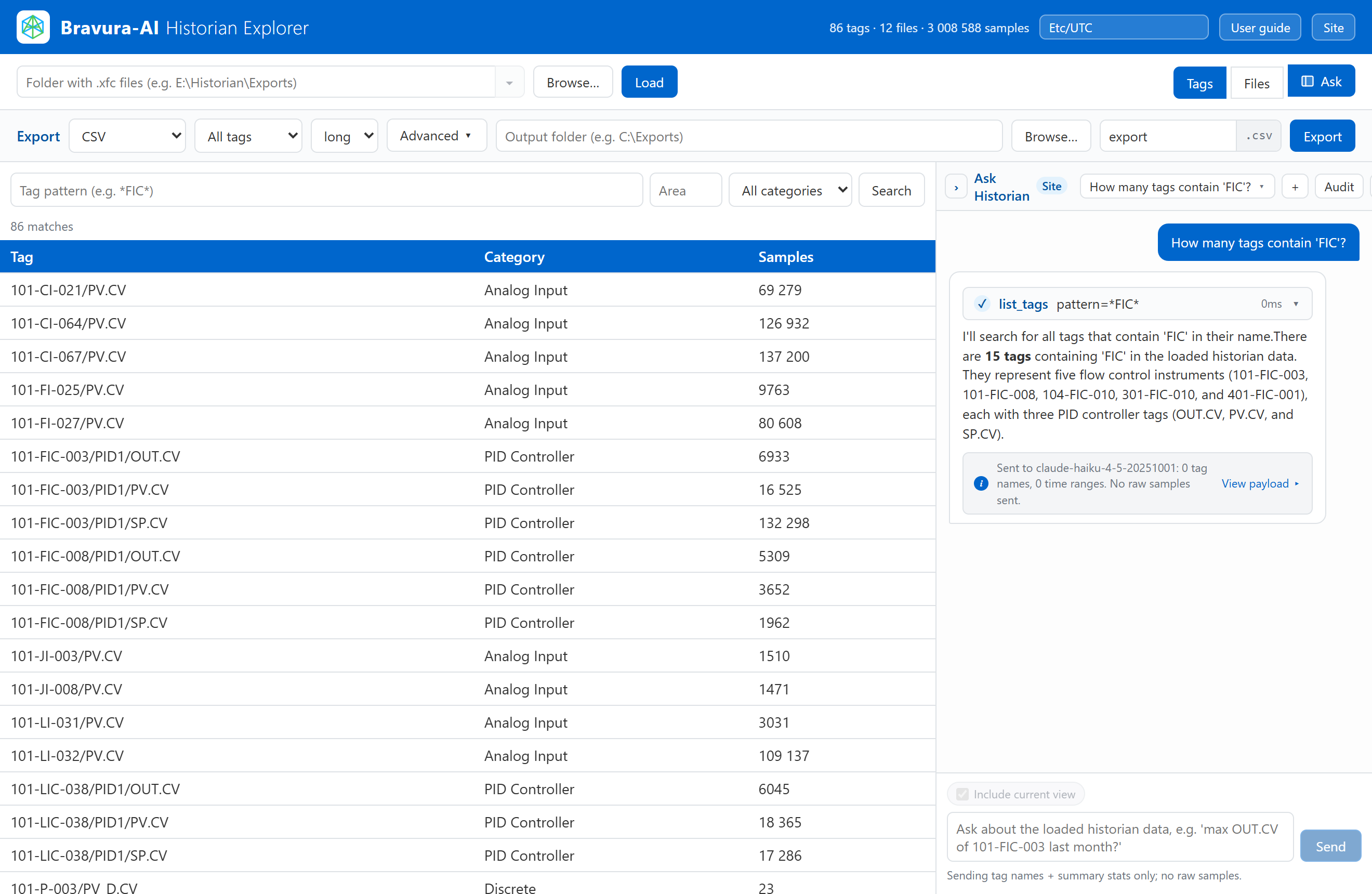
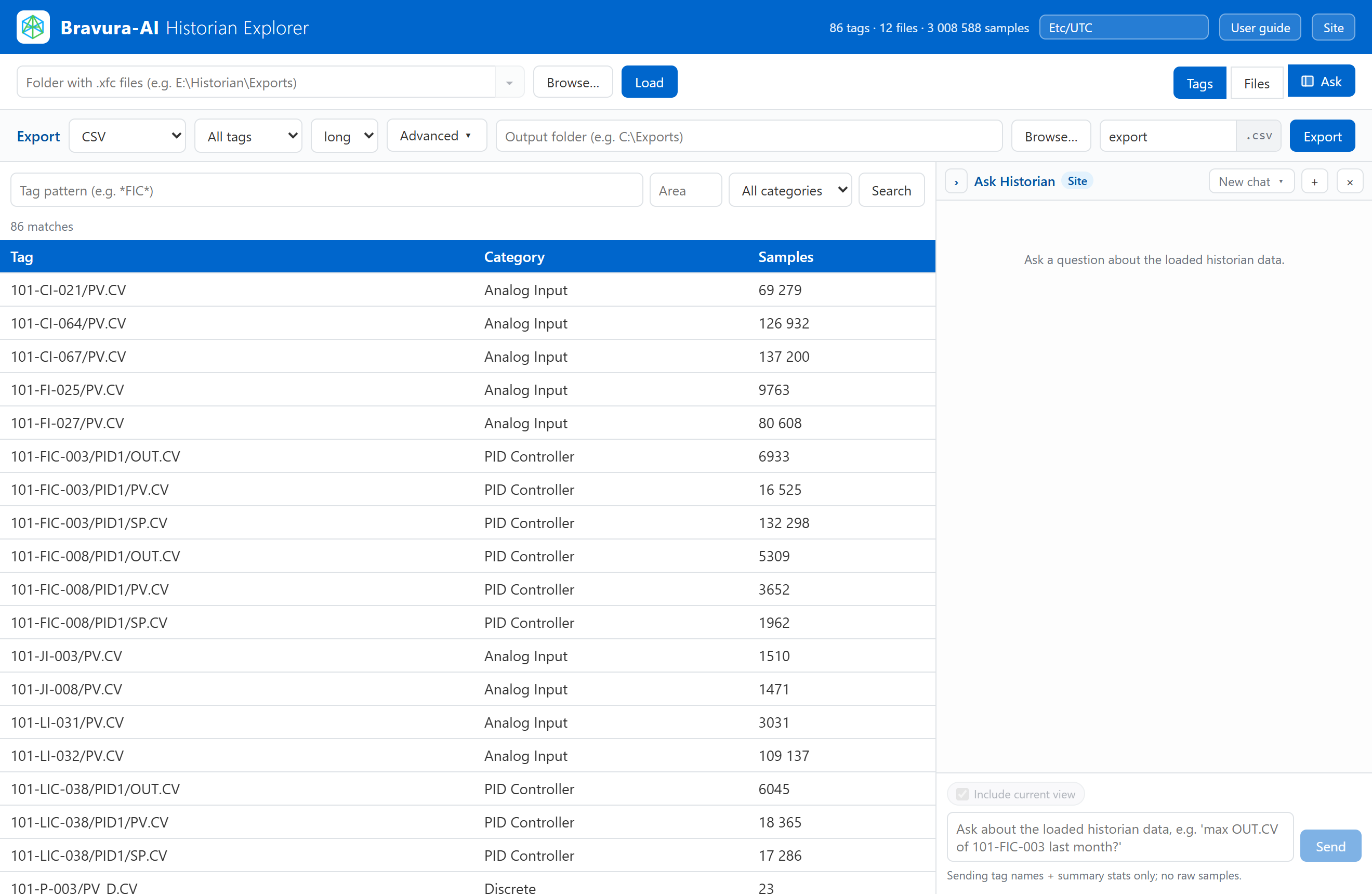
Answering a question may send tag names, time ranges, summary statistics and, when the analysis needs them, sample points to the provider you selected. The note under each answer shows exactly what was sent, and the session audit log keeps it. How many sample points are sent depends on the question. You can export the audit log of every session as a ZIP.